Deep Links Explained: How Mobile App Linking Works
Bridging the gap between web and native — understanding deep linking from URL schemes to universal links
Alex Chen — Principal Engineer
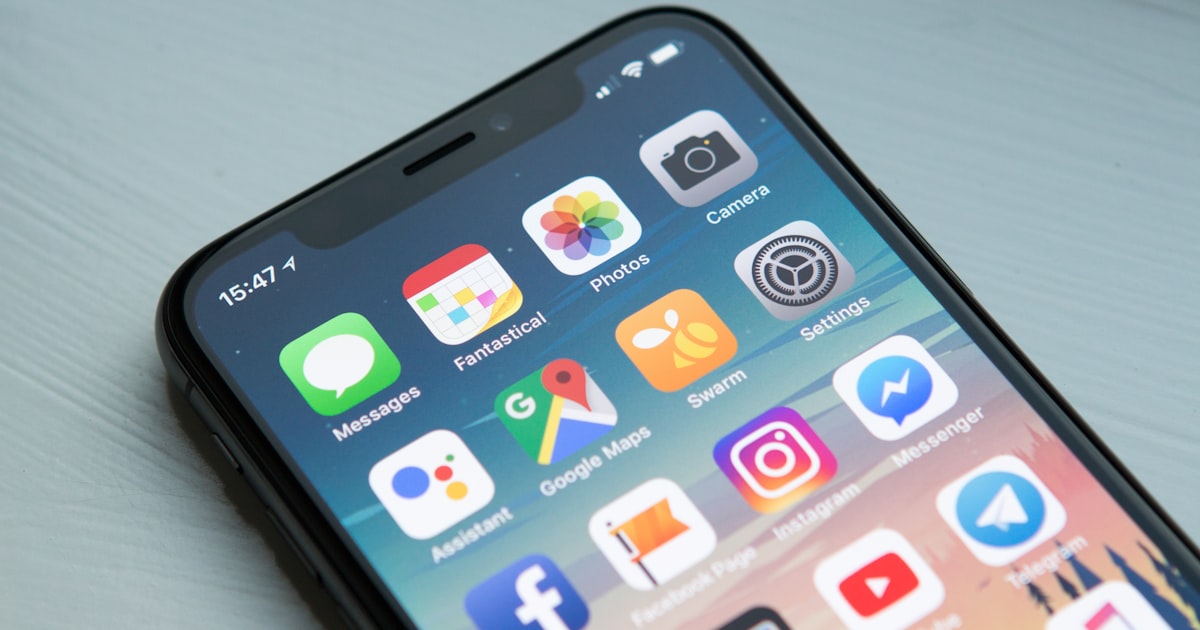
Deep links are one of the most powerful yet misunderstood technologies in mobile development. At their core, deep links are URLs that point to specific content within a mobile application rather than a website. When a user taps a deep link, the operating system determines whether the corresponding app is installed and, if so, opens it directly to the referenced content. If the app is not installed, the user is typically directed to the app store or a web fallback. This seemingly simple flow involves a surprising amount of complexity across platforms, operating system versions, and browser implementations.
Custom URL Schemes: The Original Deep Link
The earliest form of deep linking used custom URL schemes. Instead of the familiar https:// protocol, custom schemes use an app-specific prefix like myapp://. When the operating system encounters a URL with this scheme, it looks for an app registered to handle it and launches that app with the URL data. Custom URL schemes are simple to implement — on iOS, you register the scheme in your Info.plist, and on Android, you add an intent filter to your manifest. However, custom URL schemes have significant drawbacks. Any app can claim any scheme, leading to conflicts where multiple apps register the same scheme and the operating system must choose which one to launch. There is also no verification mechanism, making custom schemes vulnerable to hijacking attacks where a malicious app registers a popular scheme to intercept traffic intended for another application.
Universal Links and Android App Links
To address the security and reliability problems of custom URL schemes, both Apple and Google introduced verified linking mechanisms. Apple launched Universal Links in iOS 9, and Google introduced Android App Links in Android 6.0. Both work on the same fundamental principle: the app proves ownership of a web domain by hosting a verification file at a well-known URL. On iOS, this file is apple-app-site-association (hosted at /.well-known/apple-app-site-association). On Android, it is assetlinks.json (hosted at /.well-known/assetlinks.json). When a user taps an https:// link that matches a verified domain, the operating system opens the corresponding app directly without going through a browser, providing a seamless user experience.
The key advantage of verified linking over custom URL schemes is that only the legitimate domain owner can register their app to handle links for that domain. This eliminates scheme conflicts and prevents hijacking attacks. Additionally, because verified links use standard https:// URLs, they gracefully degrade — if the app is not installed, the link simply opens in the browser like any other web URL. This fallback behavior is critical for shared links that may reach users who do not have the app installed.
Deferred Deep Links
One of the most valuable capabilities in mobile marketing is deferred deep linking — the ability to send a user to specific in-app content even when the app is not yet installed. The flow works as follows: a user taps a deep link, the operating system determines the app is not installed, the user is directed to the app store, installs the app, opens it for the first time, and is then taken directly to the content referenced by the original link. Bridging the gap between the tap and the first app open requires sophisticated matching technology, typically using probabilistic device fingerprinting or deterministic matching through platform-provided identifiers.
Deferred deep linking is essential for mobile marketing campaigns. Without it, users who install an app from a shared link land on the app's home screen rather than the specific product page, article, or feature that motivated them to install. This poor onboarding experience dramatically reduces conversion rates. At yas.sh, our short links support deferred deep linking parameters, ensuring that the context of the original link is preserved across the install boundary so users always arrive at the right destination.
Implementing Deep Links with URL Shorteners
URL shorteners and deep links are natural companions. A short link can encode complex deep link parameters in a compact URL that is ideal for sharing on social media, in SMS messages, and in email campaigns. When a user clicks a yas.sh short link that contains deep link configuration, our redirect service detects the user's platform (iOS or Android) and device state (app installed or not), then redirects to the appropriate destination — the app via universal link or app link, the app store for installation, or a web fallback. This platform-aware routing is handled server-side, meaning the same short link works perfectly for every user regardless of their device.
The implementation is straightforward. When creating a short link through our API, you specify the destination URLs for each scenario: ios_destination for iOS users with the app installed, android_destination for Android users with the app installed, ios_fallback for iOS users without the app, android_fallback for Android users without the app, and web_fallback for desktop or unknown platforms. Our system handles the rest, using the user agent and installed-app detection to route each click to the correct destination in real time.
Measuring Deep Link Performance
Tracking the effectiveness of deep links requires measuring metrics across the entire funnel: clicks on the short link, app opens triggered by the link, first-time installs attributed to the link, and in-app events (like purchases or signups) that occur after the deep link navigation. yas.sh provides comprehensive deep link analytics that track each of these stages, giving marketers full visibility into how their deep link campaigns are performing. Key metrics include click-to-open rate (what percentage of link clicks result in an app open), install attribution (how many app installs resulted from deep links), and post-open conversion (what percentage of users who open the app via deep link complete a desired action).
Troubleshooting Common Deep Link Issues
Deep linking is notoriously fragile across the fragmented mobile ecosystem. Common issues include: Universal Links not working on iOS because the apple-app-site-association file is misconfigured or served with incorrect headers, Android App Links failing because the assetlinks.json file does not match the app's signing certificate, links opening in an in-app browser (like Facebook's or Twitter's) instead of the native app, AASA file caching on iOS causing delays when updating link configurations, and custom URL schemes being intercepted by competing apps. Thorough testing across devices, OS versions, and popular social media apps is essential for maintaining reliable deep linking.
Conclusion
Deep linking is the foundation of seamless mobile experiences, bridging the gap between web content and native app functionality. By understanding the differences between custom URL schemes, universal links, and Android App Links, and by leveraging URL shorteners for platform-aware routing and analytics, developers and marketers can create link experiences that work reliably for every user on every device. The investment in proper deep link implementation pays dividends in higher engagement, better conversion rates, and a more cohesive cross-platform user experience.