Analytics Discrepancy Troubleshooting Guide
Why clicks, sessions, conversions, and platform reports disagree — and how to investigate without guessing
yas.sh Editorial Team — Analytics Guides
Why analytics numbers never perfectly match
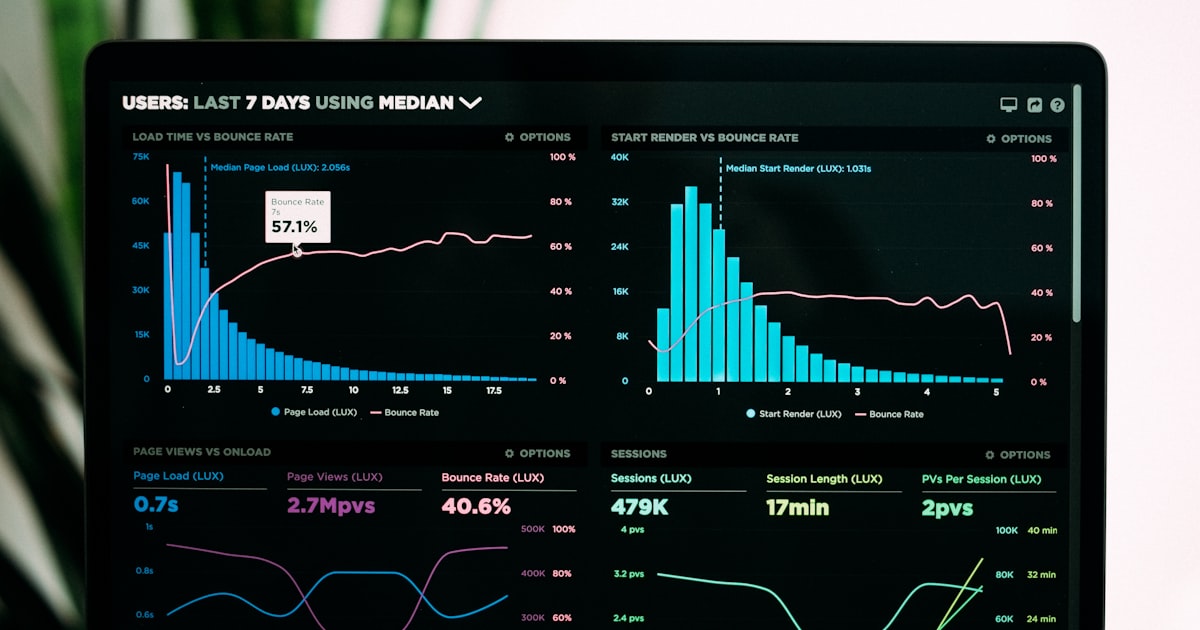
Marketers frequently panic when their link shortener reports 10,000 clicks, but Google Analytics 4 only registers 7,000 sessions. This discrepancy is not a bug in your software; it is an expected, unavoidable outcome of how different systems measure traffic. Understanding exactly why numbers diverge prevents wasted engineering time trying to fix data that is actually behaving correctly. Discrepancies occur due to bot filtering logic, browser caching mechanisms, ad blocker interference, and fundamental architectural differences in how tools define a metric like a click versus a session. Accepting that a gap exists, and understanding the mechanics of that gap, is the first step toward building a reliable analytics practice.
Diagram: Where the clicks leak between systems
┌──────────────────────┐
│ Total Server Clicks │
│ (Shortener Logs) │
└──────────┬───────────┘
▼ (- Bots & Crawlers)
┌──────────────────────┐
│ Filtered Clicks │
└──────────┬───────────┘
▼ (- Ad Blockers)
┌──────────────────────┐
│ Client-Side Requests │
└──────────┬───────────┘
▼ (- Browser Cache)
┌──────────────────────┐
│ Google Analytics 4 │
│ (Reported Sessions) │
└──────────────────────┘
Reason 1: Server-side vs. client-side tracking architectures
A URL shortener tracks a click at the server level the exact millisecond the HTTP request hits the backend infrastructure. Google Analytics 4 tracks a session at the client level using JavaScript executed inside the user's browser. If a user clicks a short link but has JavaScript disabled, uses a strict ad blocker that prevents gtag.js from loading, or closes the destination tab before the GA script finishes executing, the shortener accurately logs the click, but GA records absolutely nothing. This architectural difference is the single largest source of discrepancy, routinely accounting for 10% to 30% of the total gap depending on your audience's technical sophistication and privacy tool adoption.
Reason 2: Bot filtering asymmetry
URL shorteners and Google Analytics use completely different, proprietary bot filter lists. Your shortener might filter out Googlebot, Bingbot, and Applebot, but still count preview bots from Slack, Microsoft Teams, and Discord as legitimate clicks. GA might filter out those same chat preview bots but count a sophisticated headless Chrome browser operated by a competitor as a human. You will never achieve a perfect one-to-one match unless both tools use the exact same filtering logic and blocklists, which they never will. Treat the shortener data as your raw infrastructure volume and GA data as your filtered business volume.
Reason 3: Browser caching and 301 redirect behavior
If a user clicks a short link and the server responds with a 301 Moved Permanently status code, the user's browser aggressively caches that redirect. On subsequent clicks, the browser bypasses the shortener entirely and goes straight to the destination. In this scenario, the shortener stops counting clicks, but if the user lands on the destination page, GA might still initialize and count a new session. Conversely, if a CDN or browser cache stores the destination page itself, GA might not fire its tracking pixel because the page loaded from local disk rather than the network. Caching creates wildly divergent counting behaviors depending on the user's individual browser state.
Reason 4: Ad blockers, privacy extensions, and ITP
Modern privacy tools are incredibly aggressive. Extensions like uBlock Origin, Privacy Badger, and Brave Shields actively block Google Analytics scripts. Furthermore, Apple's Intelligent Tracking Prevention (ITP) in Safari severely limits cross-site tracking capabilities, often stripping first-party cookies or delaying their expiration. If your audience has a high percentage of Safari users or privacy-conscious users, your GA4 data will be significantly lower than your server logs. This is not a configuration error; it is the modern privacy landscape asserting itself. You cannot bypass these protections without violating user trust, so you must plan your analytics strategy around them.
Reason 5: UTM parameter stripping and referrer policies
Some social media apps, enterprise email security gateways, and mobile browsers intentionally strip UTM parameters from URLs before passing them to the destination server. If this happens, the shortener logs the click with the full UTM string intact, but GA receives the visit without the campaign attribution. The session is recorded in GA, but it is incorrectly attributed to Direct or Organic Search instead of your specific paid campaign. This does not cause a volume discrepancy, but it causes a massive and expensive attribution discrepancy that ruins your ROI calculations. Test your UTMs by clicking from inside the actual app, not just from a desktop browser.
How to align your tracking as closely as possible
First, never compare raw server clicks directly to GA sessions; compare filtered server clicks to GA sessions. Second, implement server-side event forwarding using the GA Measurement Protocol or Facebook Conversions API. By sending events directly from your shortener's backend to the analytics platform, you bypass client-side JavaScript failures and ad blockers entirely. Third, document your historical discrepancy rate. If you consistently see a 20% gap between your filtered shortener data and GA4 data, that becomes your baseline. A sudden shift to a 50% gap is a red flag indicating a broken GA tag, while a 22% gap is just normal operating noise.
FAQ
Is a 20% discrepancy between my shortener and Google Analytics normal?
Yes, it is completely standard. A 10% to 30% gap is expected due to client-side JavaScript execution failures, ad blockers, bot filtering differences, and browser caching behaviors.
Why does GA sometimes show MORE sessions than my shortener?
This almost always happens due to browser caching. If the browser remembers the 301 redirect and skips the shortener server entirely, but still loads the destination page and executes the GA script, GA counts it but the shortener does not.
How do I prove the discrepancy to stakeholders who think the data is broken?
Export a sample of raw server logs for a specific one-hour window. Cross-reference the IP addresses and exact timestamps with the GA real-time debug view. Show them exactly which server clicks did not trigger a GA payload due to ad blockers or early tab closures.
Should I stop using Google Analytics and only trust my shortener?
No. Your shortener measures infrastructure volume. GA measures user behavior on the destination site (scroll depth, conversions, time on page). You need both datasets to make intelligent business decisions.
Conclusion
Analytics discrepancies are a structural feature of a complex, privacy-focused web ecosystem, not a sign of broken software. By understanding the deep technical differences between server-side logging and client-side JavaScript execution, and by implementing server-side forwarding where possible, teams can stop chasing imaginary data bugs and start focusing on the relative trends that actually indicate campaign performance.